
Bu akşam sahnedeOn stage tonight
CueStage
tiyatro için ses ve gösteri kontrolüsound and show control for the theatre
AlkışApplause
CueStage 1.0
Ücretsiz. Windows 10 ve 11 için. Türkçe başlangıç rehberiyle.Free. For Windows 10 and 11. With a Turkish beginner guide.
Gösteri programıThe programme
Az önce yaptığın şeyWhat you just did
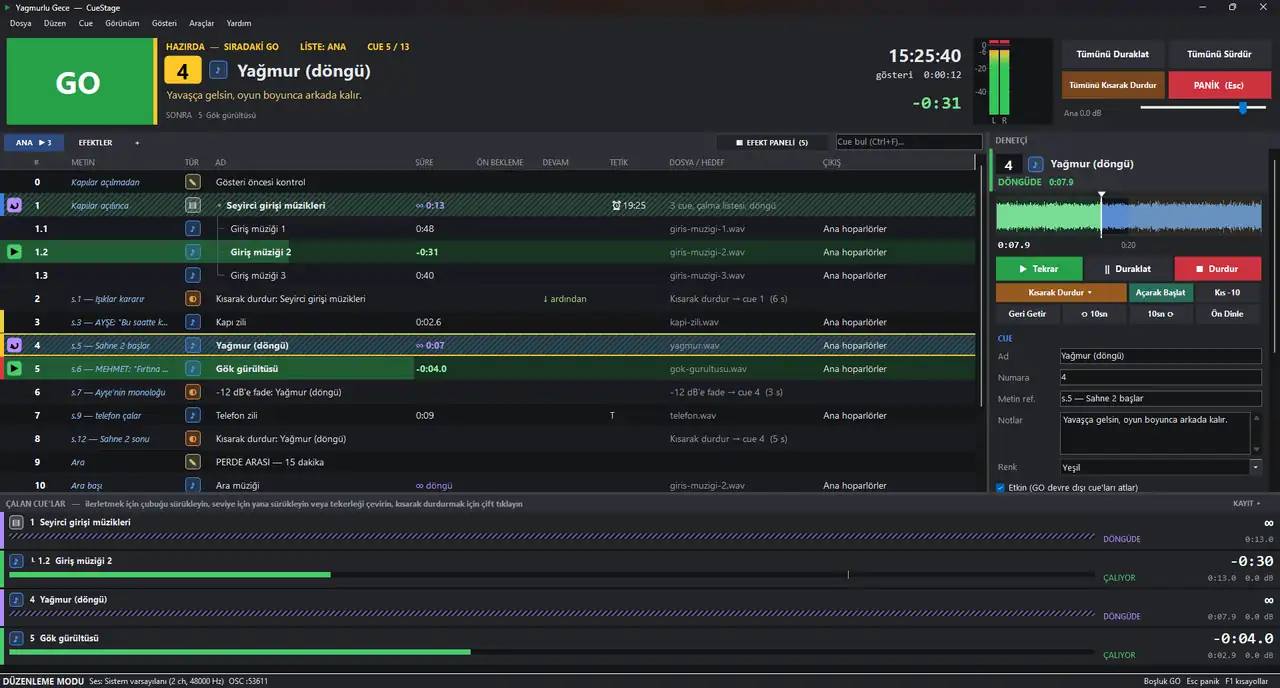
Ses operatörü oyunu senaryodan takip eder. İşaretli replik gelince tek bir tuşa basar ve sıradaki ses çalar: yağmur başlar, gök gürler, müzik kısılır. CueStage bunu yapan Windows programı. Gösterinin seslerini sıraya dizersin, gerisini GO halleder. A sound operator follows the play in the script. When a marked line comes, they press one key and the next sound plays: rain starts, thunder rolls, music dips. CueStage is the Windows program that does it. You line up the show's sounds; GO handles the rest.
Perde arasındaIn the interval
FuayeThe foyer
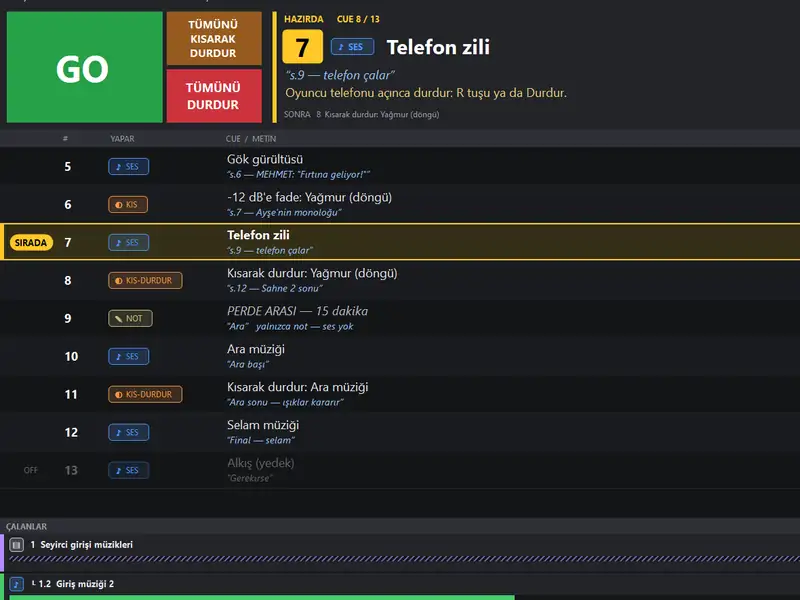
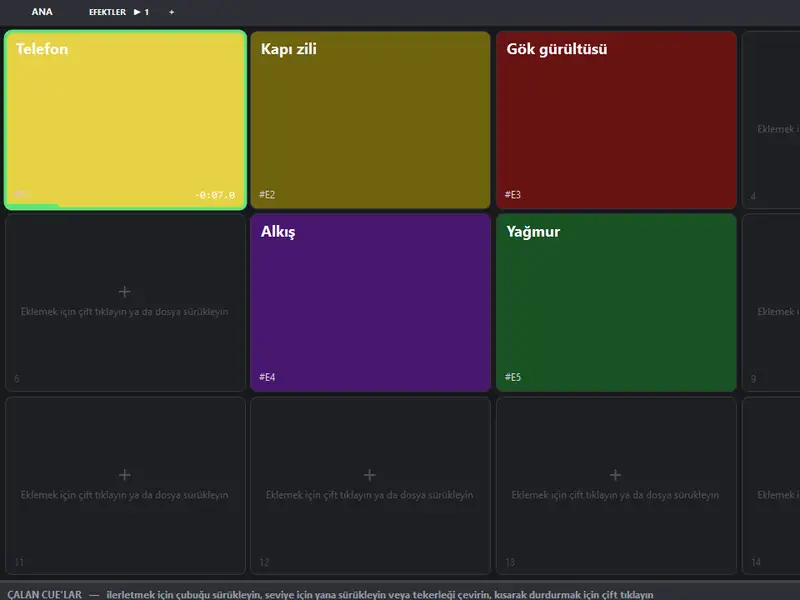
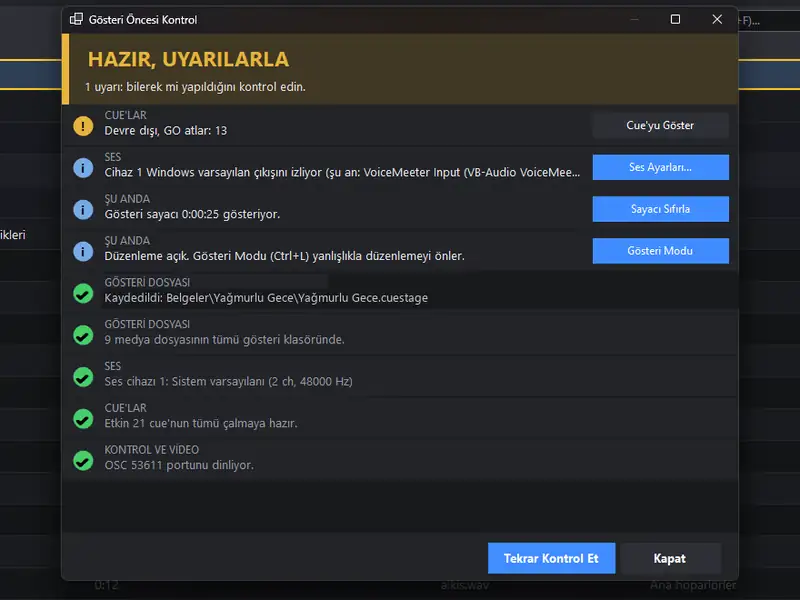
Duvardaki afişler: gösteri gecesi CueStage'de en çok bakacağın üç ekran.The posters on the wall: the three CueStage screens you'll look at most on show night.
İlk kez sahneye çıkanlar içinFor first-timers
Ses masasına hiç dokunmadıysanNever touched a sound desk?
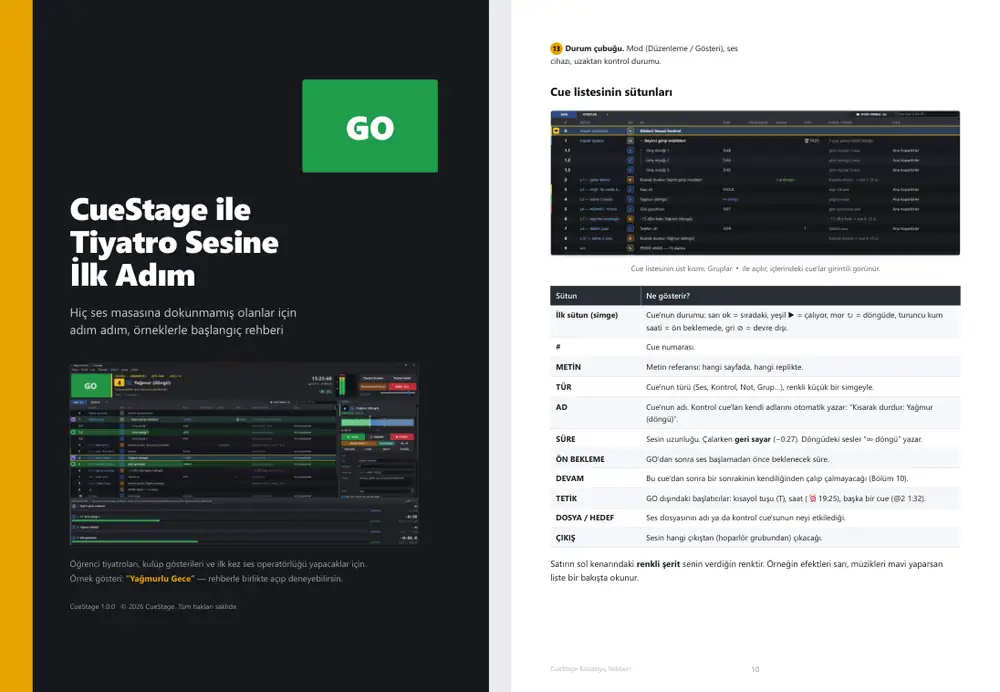
Programla birlikte 39 sayfalık Türkçe bir rehber gelir. Kablonun nereye takıldığından ilk gösterini kaydetmeye kadar her adım ekran görüntüleriyle anlatılır. Bitirdiğinde, rehberdeki örnek gösteriyi baştan sona kendin çalıştırmış olursun. The program comes with a 39-page guide in Turkish. Every step, from where the cable goes to saving your first show, is shown with screenshots. By the end you'll have run the guide's example show from start to finish yourself.
- Ses sistemi nedir?What is a sound system? Bilgisayardan hoparlöre giden yol, açma-kapama sırası.From computer to speaker, and the switch-on order.
- İlk gösterini hazırlaBuild your first show On dakikada çalışan bir ses planı.A working sound plan in ten minutes.
- TariflerRecipes Seyirci girişi, ortam sesi, konuşma altında müzik, perde arası.Walk-in music, ambience, music under dialogue, the interval.
- Gösteri gecesi güvenliğiShow-night safety Yanlış ses, kilitlenen bilgisayar, kayıp dosya: o anda ne yapacağın.A wrong sound, a frozen computer, a missing file: what to do in the moment.
Rehberi indir (PDF, 39 sayfa)Download the guide (PDF, 39 pages)
Tiyatro için ses ve gösteri kontrolüSound and show control for the theatre
CueStage 1.0
- Salon
- Windows 10 / 11
- SıraRow
- 64-bit
- KoltukSeat
- 85 MB
- FiyatPrice
- ÜcretsizFree
Kurulum gerekmez. İçinde: program, Türkçe rehber, örnek gösteri.Nothing to install. Inside: the program, the Turkish guide, an example show.
GişeBox office
Biletin hazırYour ticket is ready
CueStage'i indir, zip'i aç, CueStage.exe'yi çalıştır; internet de kurulum da gerekmez. Rehberi ayrıca PDF olarak da indirebilirsin.Download CueStage, unzip it and run CueStage.exe; no internet, nothing to install. The guide is also available on its own as a PDF.
Tüm sürümler ve sürüm notlarıAll releases and release notes
Gerçekten ücretsiz mi?Is it really free?
Evet. Kendi bilgisayarında ya da okulunun, kulübünün bilgisayarlarında ücretsiz kullanabilirsin. Programı başka yerlerde yeniden dağıtmak için izin gerekir.Yes. Use it free on your own computers or your school's or club's. Redistributing it elsewhere needs permission.
Windows “bilgisayarınız korundu” diyorWindows says “Windows protected your PC”
Program imzalı, ama Microsoft'un henüz tanımadığı bir imzayla. “Ek bilgi”, sonra “Yine de çalıştır”. Zip'i açmadan önce sağ tık → Özellikler → “Engellemeyi kaldır” dersen uyarı hiç çıkmaz.It's signed, but with a signature Microsoft doesn't recognise yet. Choose “More info”, then “Run anyway”. Right-click the zip → Properties → “Unblock” before extracting and it won't appear.
Mac'te çalışır mı?Does it run on a Mac?
Hayır, yalnızca Windows 10 ve 11.No, only Windows 10 and 11.